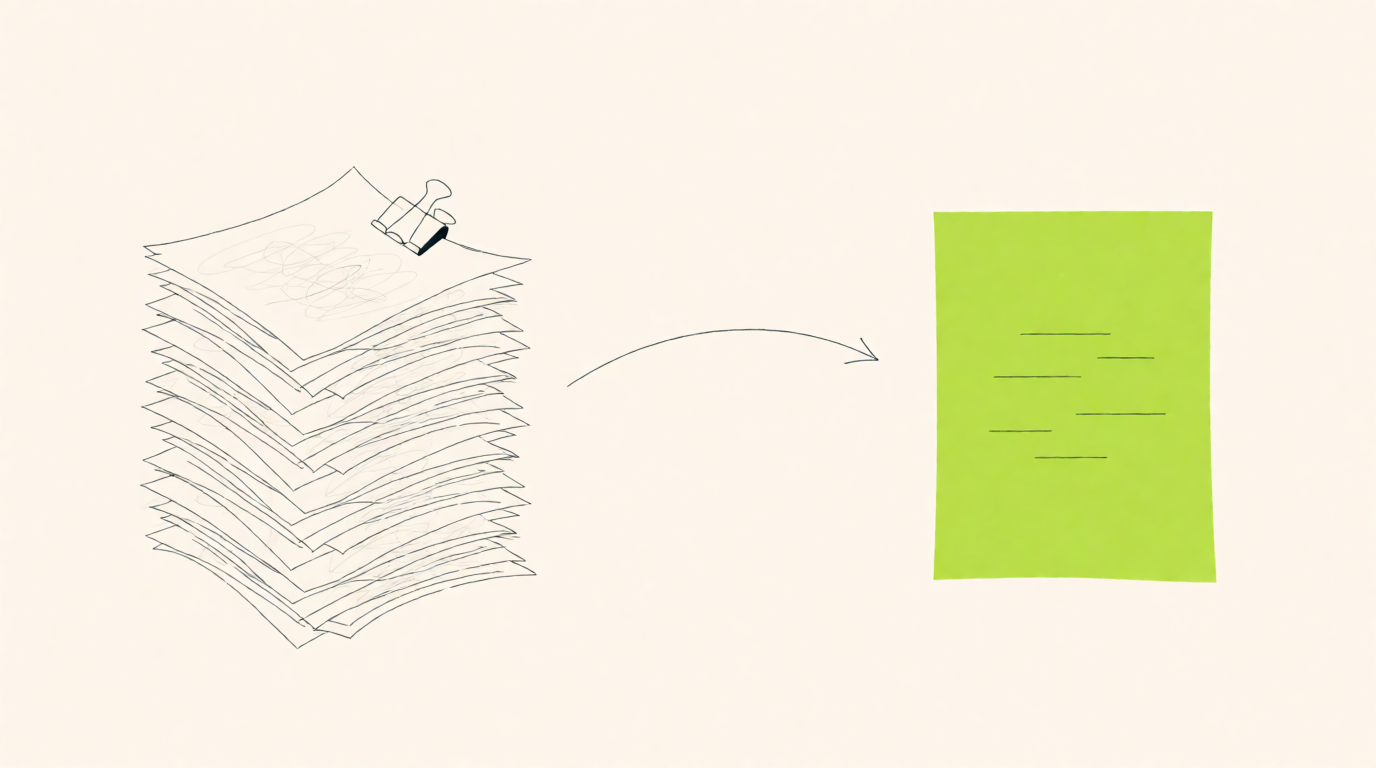
Here is how to make a resume in short: use a one-column page with your contact details, a two-line summary, experience or internships, projects and education, and skills. Write each bullet as a verb, what you did and a number. Keep it to one page as a fresher, save it as a PDF, and check it before you apply.
That is the whole method. The rest of this guide shows how to make a resume step by step, with the wording that works for Indian freshers and job switchers, a sample you can copy, and the mistakes that get resumes skipped. It works the same whether you call it a resume or a CV; our guide to the CV full form and CV vs resume explains when the two differ.
How to make a resume in 8 steps
Pick a format: reverse-chronological for most people, education first for freshers.
Set up a clean one-column page in Word or Google Docs.
Write your contact details, and leave out personal details nobody needs.
Write a two-line summary for the job you want.
Turn your experience and internships into bullets with numbers.
Add projects, education and certifications.
List the skills the job post asks for that you can actually use.
Save as a PDF, name the file properly and check how software reads it.
Step 1: Pick the right resume format
Recruiters see four layouts. For almost everyone in India, the first one is the safe choice.
| Format | How it is ordered | Best for |
|---|---|---|
| Reverse-chronological | Latest job or internship first, then older ones | Most applicants, including anyone with an internship or a job |
| Education-first (a fresher version of the above) | Education and projects above a short internships section | Final-year students and freshers with little work history |
| Functional | Grouped by skill, with dates played down | Rarely a good idea; recruiters read it as hiding a gap |
| Hybrid | A skills block on top, then reverse-chronological experience | Job switchers moving into a new field |
Avoid the functional format even if you have a gap. A short honest line such as "Career break for family care, 2024" or "Preparing for CA exams, 2023 to 2024" does far less damage than a resume that hides dates.
Step 2: Set up the page
Make the resume in Word or Google Docs, not a picture-heavy design tool. Many companies screen resumes with an applicant tracking system (ATS) that reads the text out of your file. Two-column templates, text boxes, icons and tables often come out in the wrong order or not at all.
| Setting | Use this |
|---|---|
| Layout | One column, top to bottom |
| Font | Calibri, Arial, Helvetica or another plain font |
| Size | 10.5 to 12 point for body text, 14 to 18 for your name |
| Margins | Half an inch to one inch on all sides |
| Headings | Plain names: Summary, Experience, Internships, Projects, Education, Skills, Certifications |
| Length | One page as a fresher; two at most with several years of experience |
| Colour | Black text; one accent colour for headings at most |
Making a resume on your phone works too. The Google Docs app has the same plain layout, and you can download the finished file as a PDF from the app.
Step 3: Write your contact details
Put these at the top, in the main body of the page rather than in the Word header, because some screening software skips headers.
Your name in a larger size
Mobile number with +91
A professional email, ideally firstname.lastname@ rather than an old nickname
Your LinkedIn address written out in full, for example linkedin.com/in/ananya-sharma-bcom
Your city, not your full home address
A portfolio or GitHub link if your work lives there
Leave out date of birth, gender, religion, marital status, father's name, a photo and a "Declaration" paragraph unless the employer specifically asks for them. Older Indian biodata formats include all of these, but private-sector recruiters do not need them, and they take up space your skills could use.
Step 4: Write a two-line summary
A summary replaces the old "career objective". It tells the recruiter in two lines who you are and what you bring to this role. Use this pattern: your degree or current role, your strongest relevant skills or experience, and the role you want.
| You are | Example summary |
|---|---|
| BCom fresher | Commerce graduate with hands-on GST filing and Tally Prime experience from a six-month internship at a CA firm. Looking for an accounts executive role. |
| BTech fresher | Computer science graduate who has built two full-stack projects in React and Node.js, one used by 300 students in college. Looking for a junior developer role. |
| Job switcher | Sales coordinator with three years of MIS reporting in Excel and Power BI, now moving into a data analyst role. |
Edit the summary for every application. If the job post says "MIS reporting" and your summary says "data analysis", use their words where they are true for you.
Step 5: Turn experience and internships into bullets
This is the heart of how to write a resume, and the part recruiters read most closely. List each role with the job title, company, city and month-year dates, then three to five bullets underneath. Every bullet follows one formula: a past-tense action verb, what you did, and the result, with a number where you have one.
| Weak | Strong |
|---|---|
| Responsible for filing GST returns | Filed GSTR-1 and GSTR-3B returns for 14 small business clients every month |
| Worked on social media for the brand | Planned and posted 60 Instagram reels in three months, growing followers from 2,100 to 5,400 |
| Helped the sales team with reports | Built a weekly sales report in Excel that cut the team's Monday review from two hours to 40 minutes |
| Did testing of the app | Wrote 120 test cases for the payments module and caught 9 bugs before release |
Start bullets with verbs such as built, prepared, reconciled, analysed, designed, led, organised, reduced, improved, trained or presented. Avoid "responsible for", "worked on" and "helped with", which describe a duty rather than what you achieved. If you do not remember an exact number, estimate honestly ("about 40 invoices a week") or leave it out. Never invent one; an interviewer will ask about it.
Step 6: Add projects, education and certifications
Projects carry a fresher's resume. Name each one, say what you built or studied and what came out of it, in one to three bullets. A final-year project, a live client project for a college club, or a dashboard you built from public data all count.
Education lists your degree, college, university and year. Show your CGPA, and add the percentage when the employer or form asks for one; our CGPA to percentage calculator uses your university's own conversion rule. Add Class 12 and Class 10 only if you are a fresher and the scores help.
Certifications go on one line each, with the issuing body and year. Keep only the ones relevant to the job you want; a long list of unrelated short courses dilutes the rest.
Step 7: List skills that match the job post
Read the job post and underline every tool and skill it names. Then list the ones you can actually use, in the same words: "Tally Prime", "Power BI", "SQL", "Excel pivot tables", "Google Ads". Screening software matches these words, and recruiters search for them.
Group them if the list is long: Accounting, Tools, Languages.
Leave out vague soft skills such as "hardworking" or "team player". Show them through your bullets instead.
Do not list a skill you cannot discuss for five minutes in an interview.
If the job asks for a skill you do not have yet, learn it first, then add it with a project that proves it.
Step 8: Save, name and check your resume
Save the final version as a PDF unless the employer asks for Word. Name the file with your name and role, for example Ananya_Sharma_Accounts_Resume.pdf. Then open the PDF and try selecting the text: if you cannot select it, software cannot read it either.
Before you apply, run the file through our free ATS resume checker. It reads your resume in your own browser, shows the text the way screening software reads it, flags layout problems, scores the sections that matter and, if you paste the job description, lists the job's skills your resume does not show yet. It can also show your resume rebuilt in a clean one-column layout with stronger bullets, which you can download as a PDF.
How to make a resume as a fresher with no experience
No full-time job does not mean an empty page. Recruiters hiring freshers look for proof that you can do the work and finish things. These all count, in roughly this order of weight:
Internships, including short or virtual ones, with what you produced
Academic and personal projects with a clear outcome
Positions of responsibility: treasurer, fest coordinator, club lead, class representative
Freelance or family-business work, described like a job
Certifications relevant to the role
Volunteering where you organised, taught or managed something
Put Education and Projects above Internships if your projects are stronger, and keep the page to one side of A4. A focused one-page fresher resume reads better than two pages of padding.
A one-page fresher resume you can copy
Here is the structure of a one-page resume for a commerce fresher. Replace every line with your own details; the pattern works for any degree.
| Section | What to write |
|---|---|
| Header | Ananya Sharma | +91 98XXX XXXXX | ananya.sharma@email.com | linkedin.com/in/ananya-sharma-bcom | Pune |
| Summary | Commerce graduate with hands-on GST filing and Tally Prime experience from a six-month internship at a CA firm. Looking for an accounts executive role. |
| Internship | Accounts Intern, Kulkarni and Associates, Pune | Jan 2025 to Jun 2025. Filed GSTR-1 and GSTR-3B for 14 small business clients every month. Reconciled bank statements in Tally Prime and cut month-end closing by 2 days. Built an Excel tracker for 120 vendor invoices with due-date alerts. |
| Project | Working capital analysis of a listed FMCG company. Compared five years of current ratios and cash conversion cycles from annual reports; rated best project in the batch. |
| Education | BCom, Savitribai Phule Pune University, 2025, CGPA 8.4/10 | Class 12 (Commerce), Maharashtra State Board, 2022, 86% |
| Skills | Tally Prime, GST returns, TDS basics, MS Excel (VLOOKUP, pivot tables), bank reconciliation |
| Certifications | NISM Series V-A, 2024 | Advanced Excel, 2023 |
| Positions of responsibility | Treasurer, Commerce Association: managed a Rs 1.2 lakh fest budget with 3 sponsors |
Resume mistakes that get you skipped
A two-column or graphic template that screening software reads as a jumble.
The same resume for every job, with no change to the summary or skills.
Bullets that list duties instead of results.
Spelling mistakes in the company name, your college or your own email address.
Dates that do not match your offer and experience letters, which background checks compare.
Personal details, a photo and a Declaration that nobody asked for.
A file named resume.pdf or CV_final_final.pdf.
Once you land the job, the learning really starts. Our honest piece on what your first job will fix about you is a good read before day one.
Frequently asked questions
How do I make a resume for my first job?
Use one page and one column. Put a two-line summary at the top, then education and projects, then internships and positions of responsibility, then skills from the job post. Write each bullet as an action verb, what you did and a number.
How long should a resume be?
One page for freshers and people with under five years of experience. Two pages at most after that, unless you are applying for an academic or research post that asks for a full CV.
Is it okay to use a Canva resume template?
Only a simple one-column one. Many design templates use columns, text boxes and icons that screening software reads in the wrong order. A plain Word or Google Docs file is safer.
How do I make a CV instead of a resume?
In Indian private-sector hiring, CV and resume mean the same one- or two-page document, so follow the steps above. A long academic CV is needed only for research, PhD and faculty roles; our CV full form guide covers what goes in one.
Should I put a photo on my resume?
Not for Indian private-sector jobs unless the employer asks for one. It takes space and is not used to judge your application.
How do I know if my resume is good?
Check it against a job post you want. Our free ATS resume checker shows what screening software reads from your file, which sections it finds, and which of the job's skills your resume is missing.
Get personalised college recommendations based on your profile.
Compare placements, cut-offs, and fees across 400+ colleges, for free.
Explore Colleges →